Build in FreeCAD with your AI assistant
FREECAD + MODEL CONTEXT PROTOCOL
From an idea to a model, together
Give your MCP-compatible assistant a direct connection to FreeCAD. Create and inspect geometry, explore a design, and export your work while keeping FreeCAD at the center of the workflow.
Open source · Local-first connection · GUI and headless modes
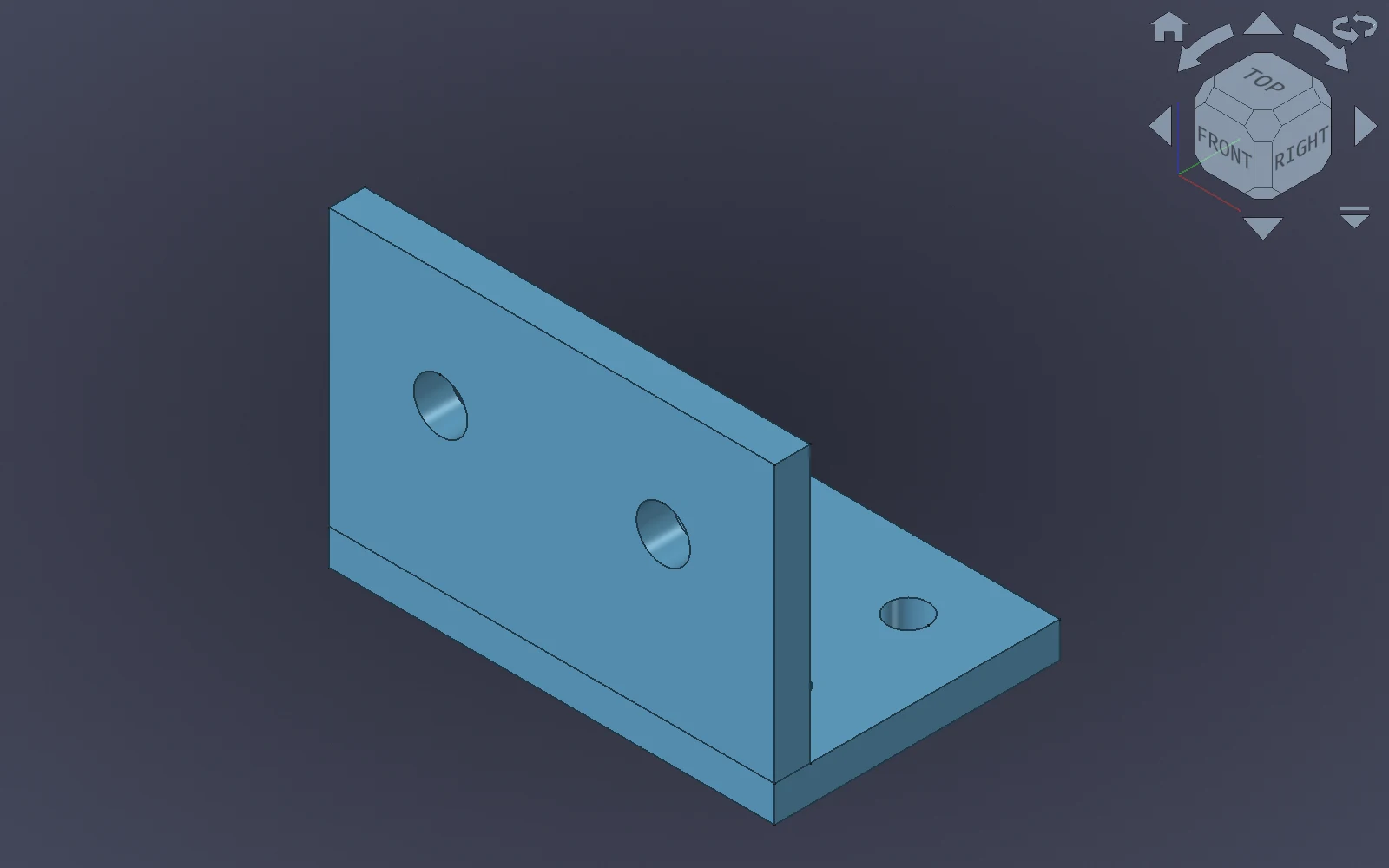
EXAMPLE MODEL · FREECAD 3D VIEW
A PRACTICAL CAD COMPANION
Work in the tools you already use
The server exposes FreeCAD operations to your assistant; the bridge workbench runs inside FreeCAD and carries out those operations.
Create and edit
Build primitives and PartDesign features, combine geometry, and work with documents and objects through natural-language requests.
Inspect and iterate
Ask about objects and properties, adjust a model, and capture views in FreeCAD's GUI to review the result as you work.
Export and automate
Prepare STEP, STL, and other supported exports, or use headless FreeCAD for workflows that do not need a visible 3D view.
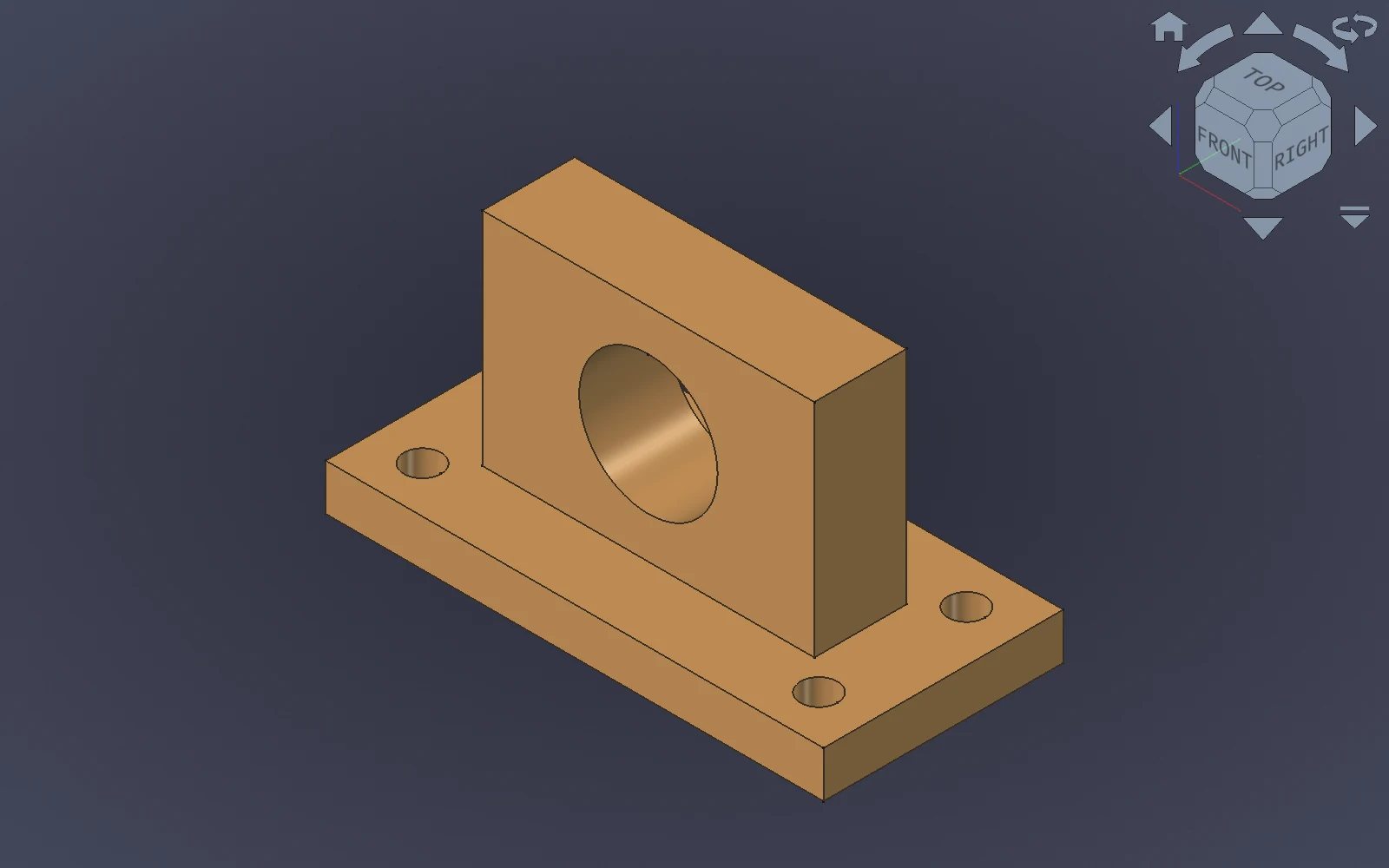
EXAMPLE MODEL · FREECAD 3D VIEW
IDEAS TO TRY
Start with a useful request
- “Create a mounting bracket with four bolt holes.”
- “Inspect this part and tell me its dimensions and volume.”
- “Export the current model to STEP and STL.”
- “Show an isometric view and capture a screenshot.”
These are example requests; review the generated geometry and dimensions before using a model for manufacturing.
GET CONNECTED
Three pieces, one workflow
01 · Install
Install the MCP server and the Robust MCP Bridge workbench in FreeCAD. The quick start walks through both installations.
02 · Pair and start
Run freecad-mcp --pair-bridge, then start the bridge in FreeCAD.
03 · Connect your assistant
Configure an MCP-compatible client and start with a small request.
See when the bridge is running
The workbench toolbar starts and stops the bridge. Its status indicator shows when the local connection is available.


Ready to connect?
Follow the quick start to set up FreeCAD, the bridge, and your MCP client.